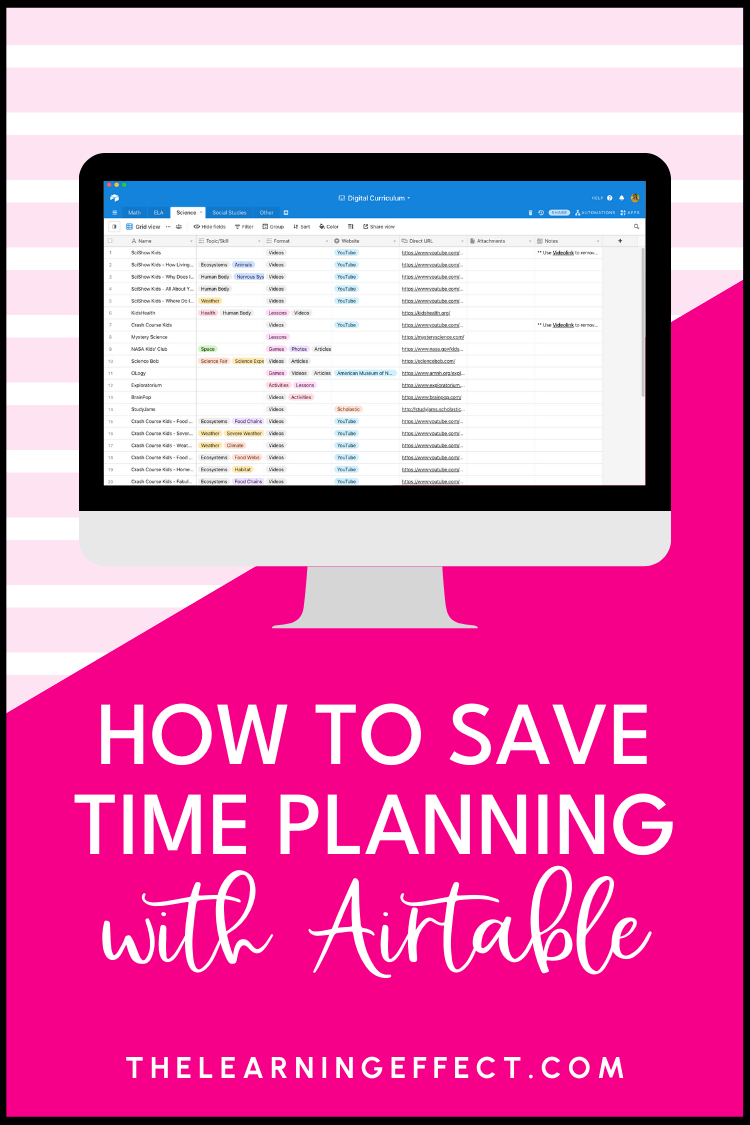
Do you have tons of digital curriculum resources you never use because you forget you bought them? Or maybe your district subscriptions to Discovery Education and BrainPop sit untouched? Planning with Airtable – a FREE productivity app – can solve this problem. This teacher planning tool will help you get organized once and for all, saving time each time you sit down to plan lessons.
What is Airtable?
Airtable is a free web-based database app. Don’t let the word “database” scare you – if you can use a spreadsheet, you can use Airtable. It’s actually easier than Excel or Google Sheets because you don’t need to understand complicated formulas. Think of it as a customizable spreadsheet designed for people who love getting organized.
Why Planning with Airtable Works for Teachers
Here’s what makes planning with Airtable such a game-changer:
- The free version does everything you need. Seriously – you won’t hit any paywalls for basic classroom organization.
- Super easy to use! At first glance, you might wonder what you’ll do with it, but once you see some examples in action, the benefits become crystal clear.
- Access anywhere. Use it on your computer, tablet, or phone – everything syncs automatically to the cloud.
- Customization is on point. Add dropdown selections, checkboxes, clickable URLs, forms that auto-fill, filtered views, and much more – all on the free account.
- Saves planning time. Once you’re set up, planning with Airtable cuts your prep time significantly.
I’ve been using Airtable since 2017, and I use it every single day for both my business and personal life. For years, I’ve been keeping notes about how amazing it would be for classroom organization. (What was I waiting for?!)
Ways Teachers Can Use Airtable
Planning with Airtable isn’t just for curriculum – here are other ways teachers use it:
- Organize and track your purchases, resources, and online curriculum subscriptions or websites
- Track standards taught during the school year
- Parent communication log
- Brain dump/to-do list
- Student data tracking – examples: RTI, reading levels, benchmark assessments, behavior log
- Read aloud catalog
Getting Started: Planning with Airtable Basics
Sign up for a free account and verify your email address.
Your Workspace is where all your bases live. Think of a base like a filing cabinet – each one holds related information. For example, create one base for Math resources with different tabs for each topic you teach.
When creating a new base, you have three options – start with a template, import data, or start from scratch. If you start with a template, you can browse free options, though most are designed for business use. The Everyday Life category has some fun non-school examples to explore.
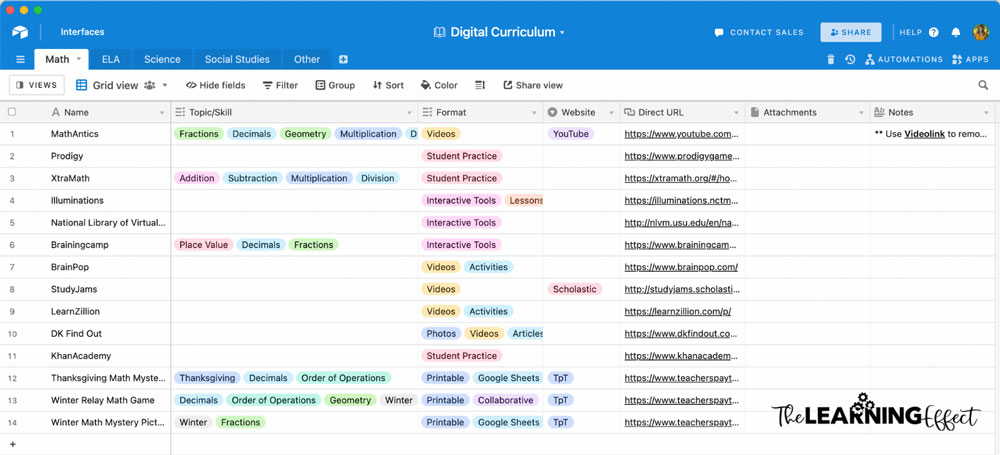
In a base, you can create multiple tables (tabs) at the top. Each table has fields (columns) that you can label and customize. The field types I use most often are single line text, long text, attachment, checkbox, multiple select, single select, and URL.
Planning with Airtable Using a Digital Curriculum Resources Base
Here’s where planning with Airtable really shines. Imagine having a base for all your digital curriculum resources – everything from TpT purchases to quality article websites to district-provided subscriptions. How often have you spent money on something you already owned or missed out on a great BrainPop video simply because it’s too much to remember?
How Tagging Saves You Time
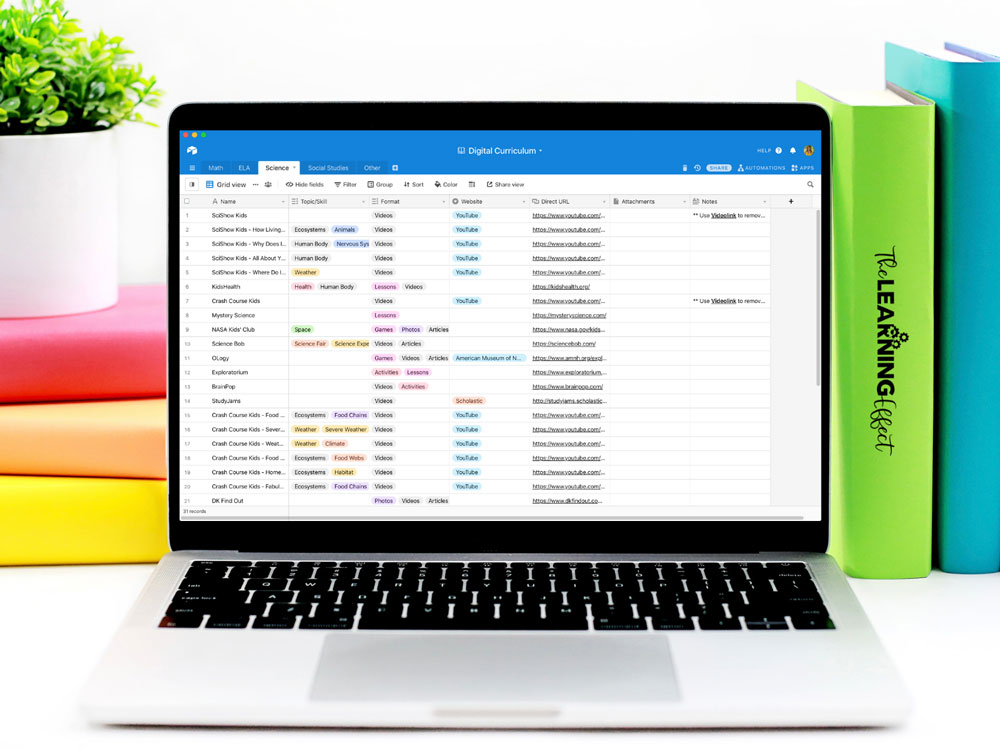
Tagging your websites and resources by topics and skills is the secret sauce. Create tags using the multiple select field type, and suddenly you can filter your records to find exactly what you need in seconds.
The Filter Feature: Your Secret Weapon
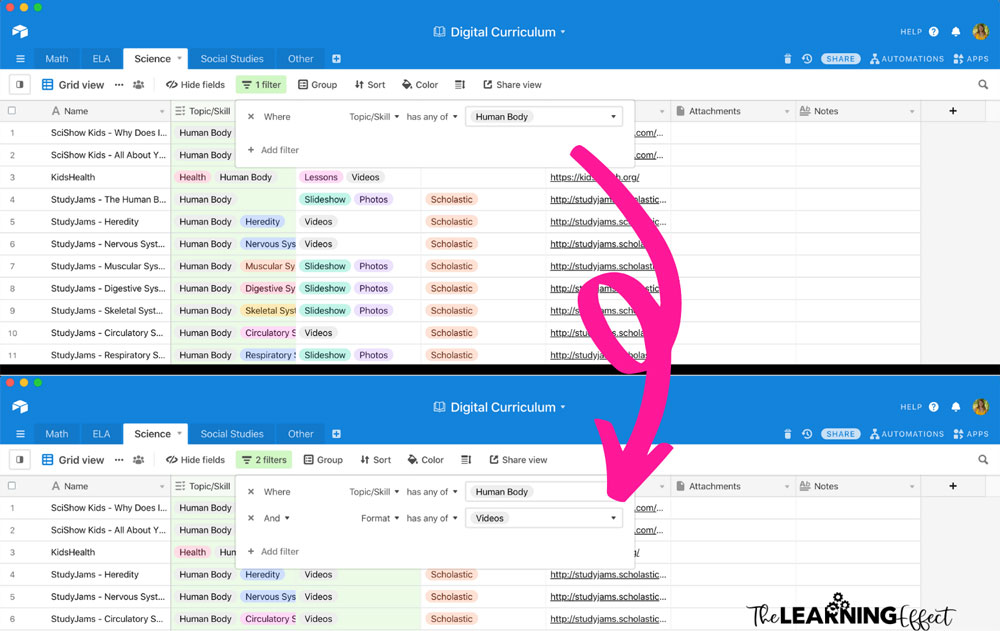
Here’s a real-life example: If I’m ready to teach the human body in science and want a video to kick off my unit, I can go to the Science tab, select Filter, choose Topic/Skill, and select “human body.” Now I’m only shown records with that tag. I can take it a step further and add another filter to only show records tagged as “videos” in the Format column.
This is where planning with Airtable becomes a total time-saver. No more endless scrolling through bookmarks or trying to remember which website had that perfect resource.
Never Buy the Same Type of Resource Twice
We’ve all been there – scrambling last minute for an activity on TpT, adding it to your cart, and then discovering a similar resource in your purchases from last year. (Guilty! 🙋🏼♀️)
You can easily add your purchased resources to Airtable. I wouldn’t upload the actual files since you’re limited to 1 GB per base on the free plan. Instead, add the URL to the product page in your Direct URL column. Click the link to download it whenever you need it.
Use the Notes column strategically. Did your students love one activity from a 100-page unit? Note the page number. Did a lesson contain material you want to skip next year? Write yourself a reminder. Super helpful!
Want more ways to streamline your workflow? Check out my 3 Simple Ways to Save Time Lesson Planning for additional strategies that pair perfectly with planning with Airtable.
Want This Digital Curriculum Resources Base for Free?
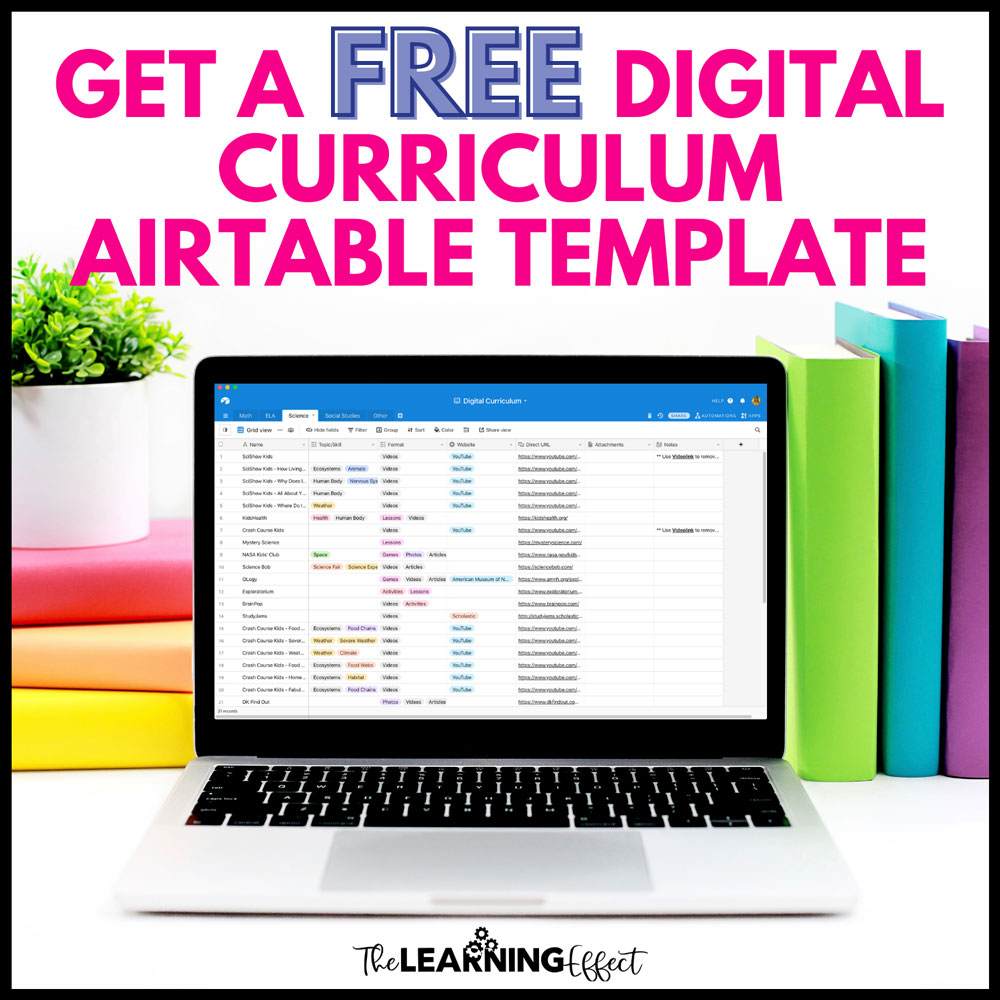
I want to help you start planning with Airtable, so I’m giving you a copy of my Digital Curriculum Resources base.
Some things to note about the base:
- If you don’t want some of the resources I’ve included, just right-click and select Delete Record.
- The link below will make a copy of the base to your Airtable account. Make sure you are signed up and signed in before you click the link.
- Because you’re just making a copy of the base, I’m not providing a PDF with instructions.
- Most Topics/Skills are NOT prefilled because every grade level, state, and country has different curriculum needs. You’ll customize it with the skills and topics you actually teach.
Planning with Airtable has been a game-changer for my workflow, and I know it can be for you too. The beauty of this system is that once it’s set up, it works for you – no more forgotten resources, duplicate purchases, or wasted time searching for materials you know you have somewhere. Give it a try and watch your planning time shrink while your organization soars!