Student-led conferences are a game-changer, and virtual student led conferences make it possible to maintain this powerful practice no matter your teaching situation. Whether you’re teaching remotely, in a hybrid model, or simply want to offer flexible options for families who can’t attend in person, you can still hold meaningful conferences that empower students and engage parents.
The best part? Virtual student led conferences use all of the same components as traditional, in-person conferences. You’ll just need to make a few tweaks to make things work in a digital setting.
Setting Up Virtual Student Led Conferences: Pre-Conference Questionnaires
Use Google Forms to send parents the pre-conference questionnaire. You’ll get a nice, organized spreadsheet of responses, making it easy to see who you haven’t heard from yet. If there are questions or concerns about things that can be addressed during the student-led conference, you can include that data or information for parents on students’ conference forms.
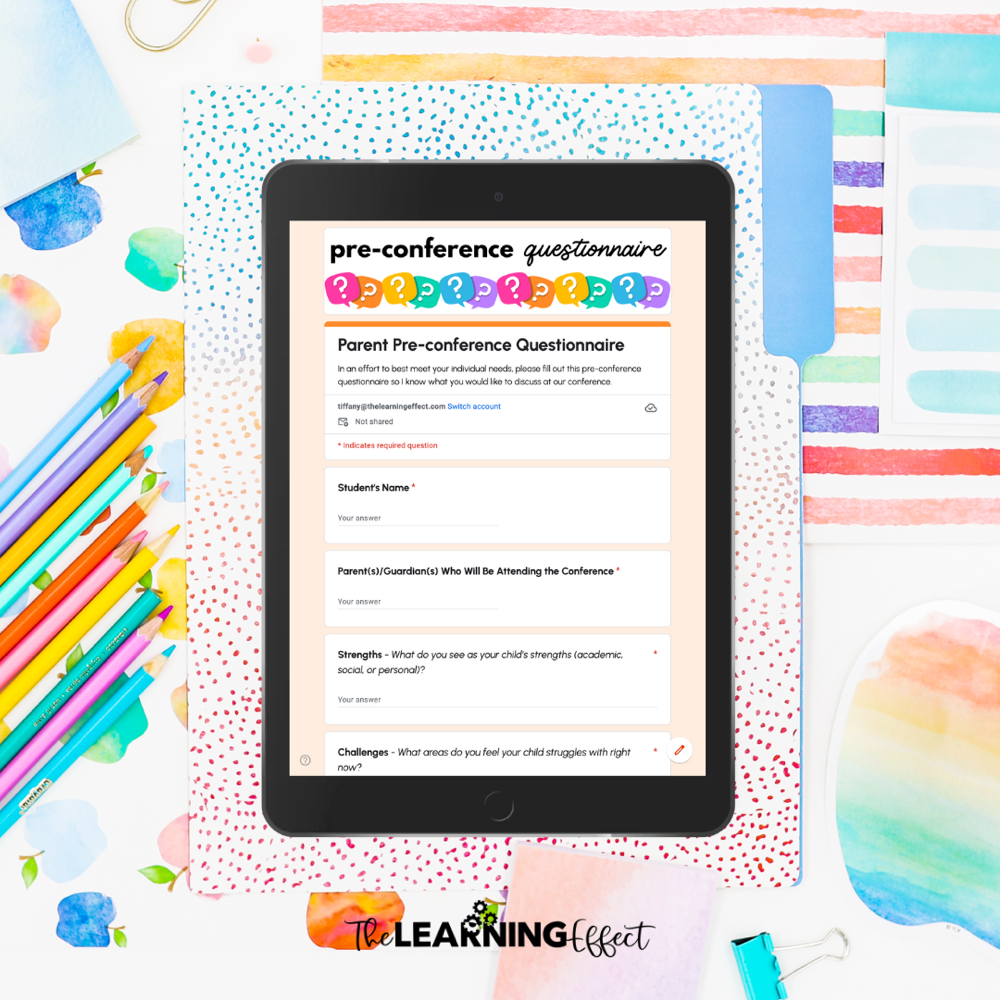
This digital approach saves you time and keeps everything organized in one place – no more tracking down paper forms or deciphering handwriting.
How to Schedule Virtual Student Led Conferences
You’ll need to schedule a video or phone chat with parents to answer any questions they may have after the student-led conference. Use an online scheduler, like SignUpGenius.com, to take the hassle out of getting all parents scheduled. These tools let families pick times that work for them, eliminating the back-and-forth emails that eat up your precious planning time.
Creating Digital Portfolios for Virtual Student Led Conferences
With traditional student-led conferences, printed forms are a big part of what teachers need to prep. For virtual student led conferences, those forms become a digital portfolio – and honestly, it’s a game-changer.
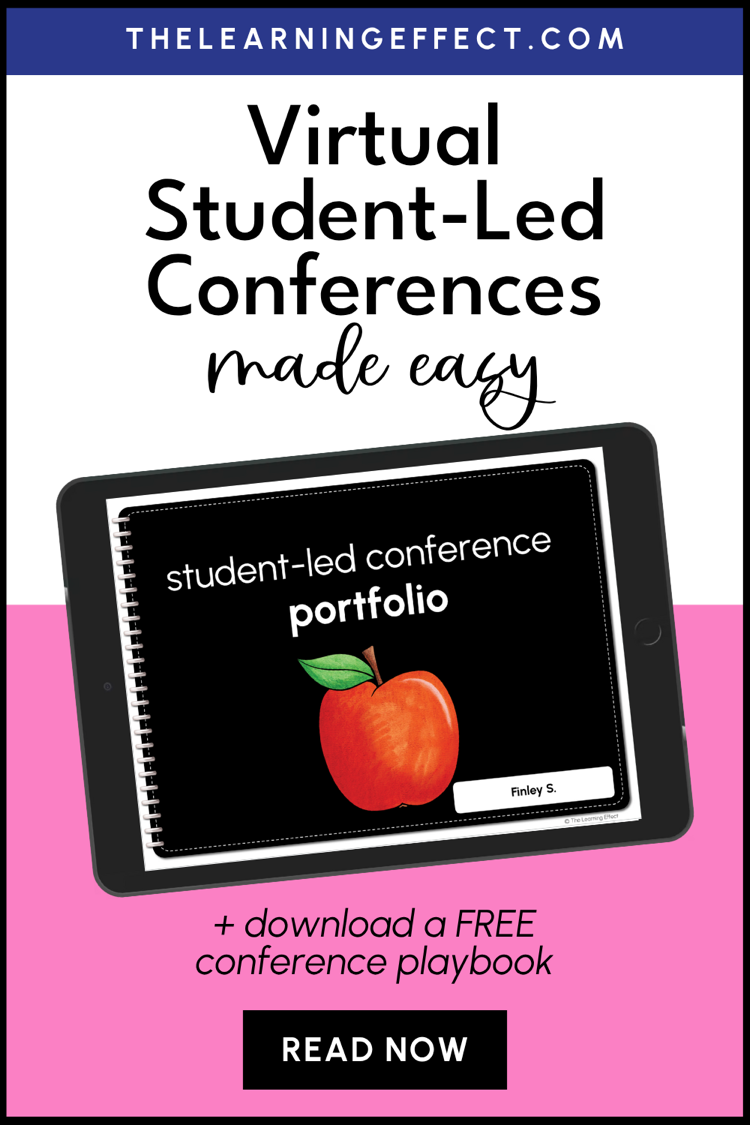
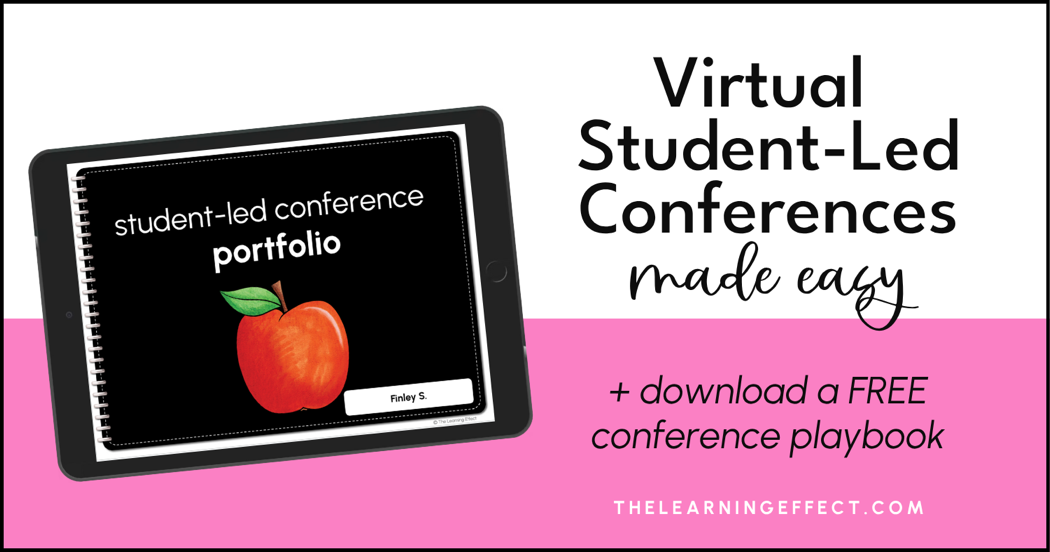
I created a digital Student-Led Conference Portfolio in Google Slides specifically for virtual conferences. The portfolio follows the same format as printable forms but is reformatted to look like a notebook, making it feel more personal and engaging for students. Digital portfolios work with any conference model but are especially great for distance learning.
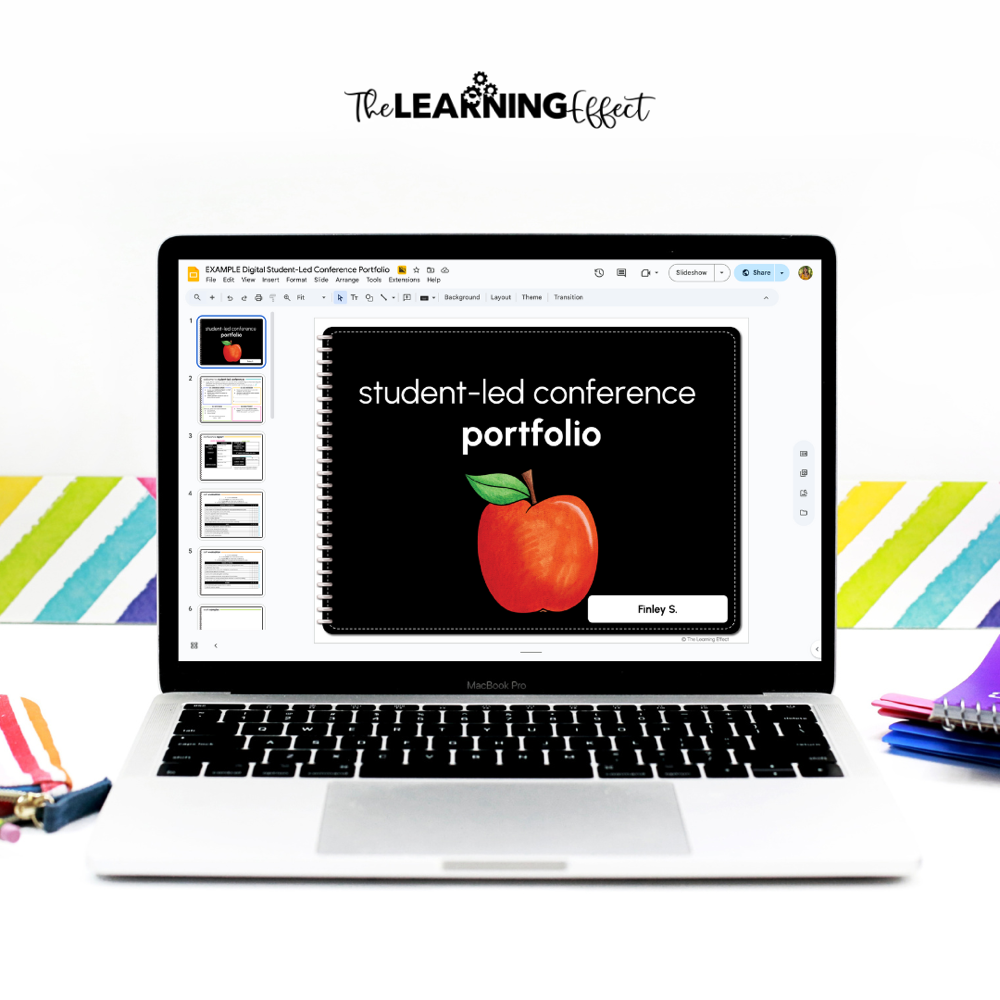
If you use Google Classroom, you can “assign” student-led conference portfolios to students to distribute materials easily. The tricky part of doing this virtually is getting the personalized data sheets (Conference Reports) to each student, which will need to be done separately or individually after distributing portfolios.
Conducting Virtual Student Led Conferences
Students can conduct their conferences with their parents at any time before the scheduled chat with you. This flexibility is one of the biggest advantages of going virtual – families can complete the conference when it works best for their schedule.
Encourage students to practice their presentation beforehand, just like they would for an in-person conference. They can rehearse what they’ll say and how they’ll navigate through their digital portfolio. This practice builds confidence and helps the actual conference run more smoothly.
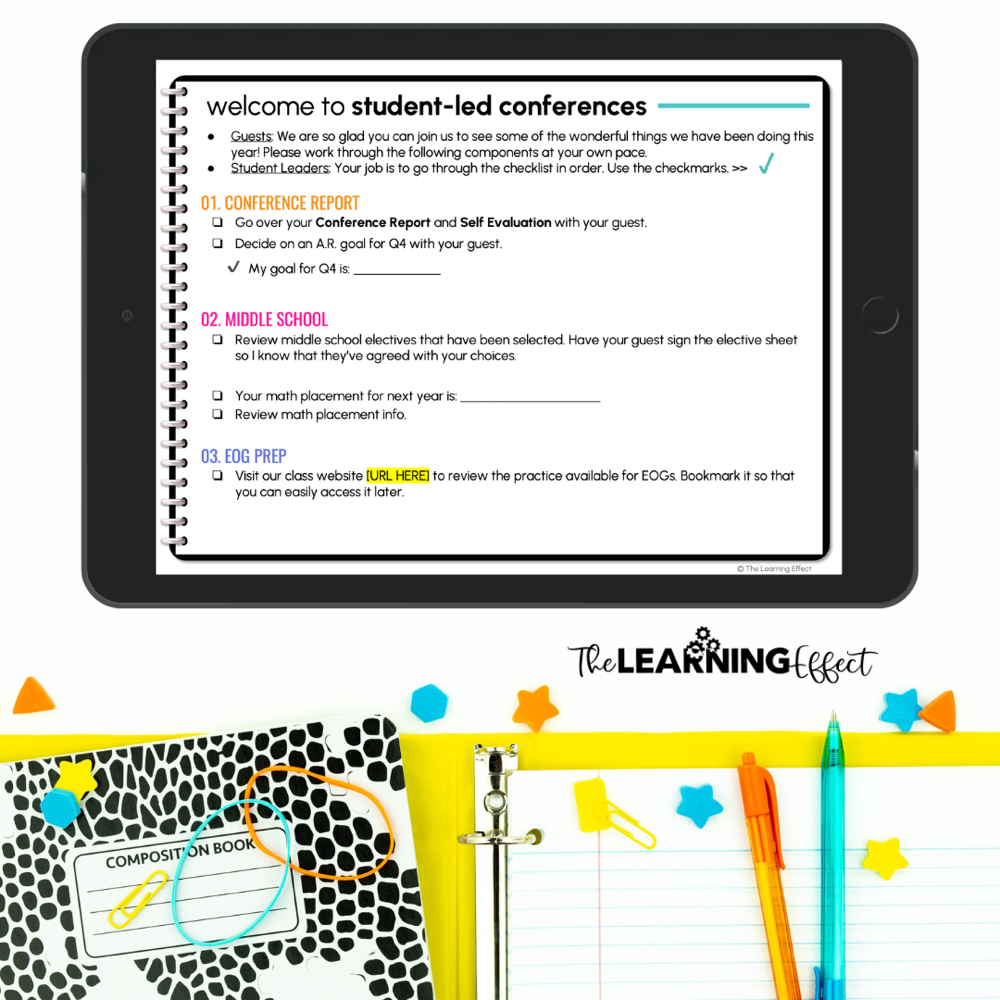
If you’re using Google Classroom, have students “submit” their portfolio to you once they’ve finished their conference. You’ll be able to see that the conference is complete, and you can review their goals, reflections, and questions before meeting with parents. For more strategies on making conferences successful and holding students accountable, check out my post on how to increase accountability with student-led conferences.
Meeting with Parents: Video Chats or Phone Calls
Email parents a few days before their scheduled chat with you to make sure they know how you’ll be “meeting.” If you’re going the video chat route, use the same platform you use for distance learning (like Google Meet or Zoom) to avoid any technical hiccups. If their child is already familiar with the platform you use daily, it will make connecting so much easier.
Review the pre-conference questionnaire and student portfolio before the chat so you can answer questions or talk about how you can work as a team to benefit their child’s education. Make notes so you’re ready to go and can stick to your scheduled timeframe – this respect for everyone’s time goes a long way.
Gathering Feedback: Post-Conference Questionnaires
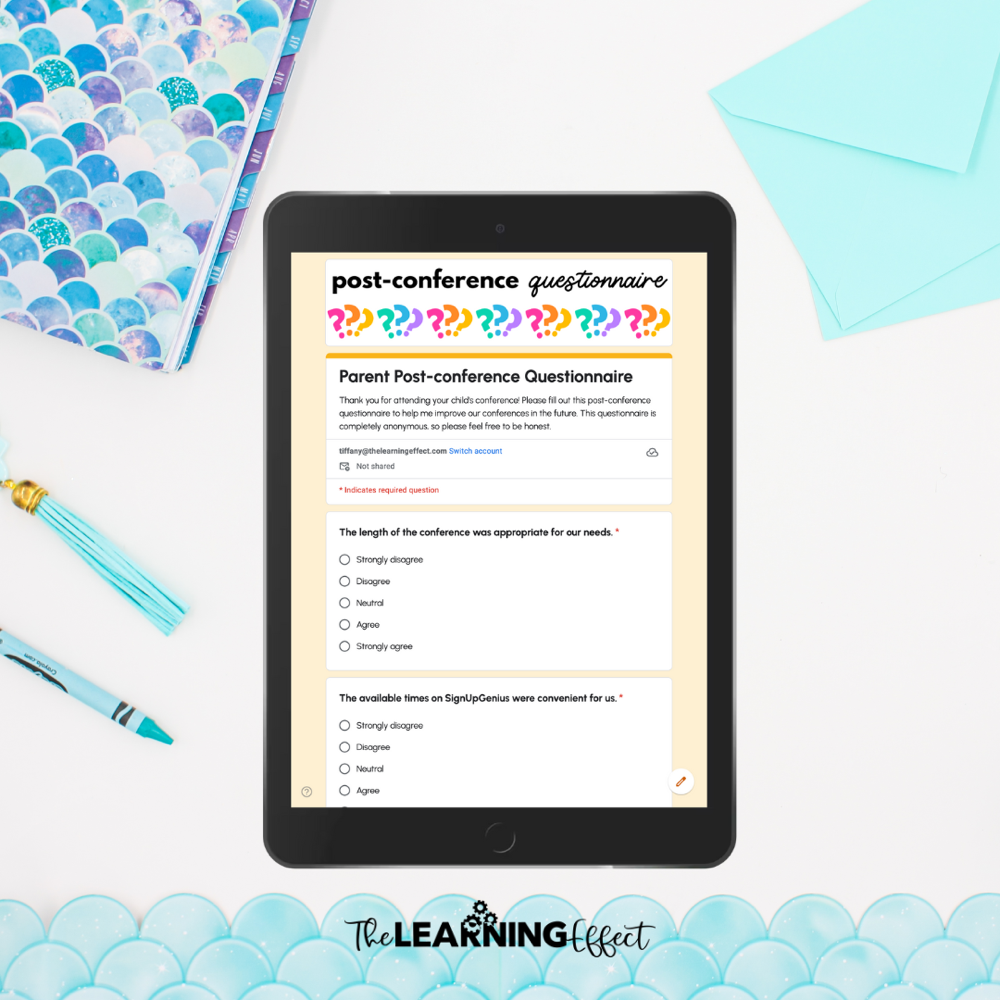
Use Google Forms to gain helpful anonymous feedback from parents and students about the virtual student led conferences. I know – asking for anonymous feedback can be hard. But getting honest feedback is the best way to grow and improve your conference process for next time.
Need help planning every detail of your conferences? Grab my free Confident Conferences Playbook for step-by-step guidance, scripts, and planning tools that will help you feel prepared and confident for every conference – whether virtual or in-person.

Benefits of Virtual Student Led Conferences
- Increased accessibility: Families who can’t attend in-person conferences due to work schedules, transportation issues, or other barriers can still participate fully.
- Paper savings: No more printing and handwriting dozens of forms! You’ll save time, money, and trees.
- Year-round flexibility: Digital portfolios are easy to manage, and students can work on them anytime during the school year, building their portfolio as they grow.
- Digital literacy skills: If you’re a 1:1 school or adding more technology into your teaching, this is an excellent way to teach students valuable life skills through building their digital portfolio and conducting their presentation.
Ready to Get Started?
Virtual student led conferences might feel like a big shift at first, but they offer incredible benefits – from including families who couldn’t otherwise attend to teaching students valuable digital skills. With the right setup and a bit of practice, you’ll find they can be just as meaningful (and maybe even easier!) than traditional conferences.
My Student-Led Conference Digital Portfolio has everything you need to make your parent-teacher conferences work for students at home or digitally in the classroom. Plus, the included guide will help you plan and execute your conference like a pro.

Virtual student led conferences give you the flexibility to meet families where they are while still maintaining the student-centered approach that makes these conferences so powerful. Yes, there’s a learning curve as you figure out the technology and workflows, but once you’ve run your first round of virtual conferences, you’ll wonder why you didn’t try this sooner.
Remember, the goal is the same whether you’re meeting in person or online – empowering students to take ownership of their learning and communicate their progress. The virtual format doesn’t diminish that. If anything, it can enhance it by teaching students how to present themselves professionally in a digital space, a skill they’ll use throughout their lives.