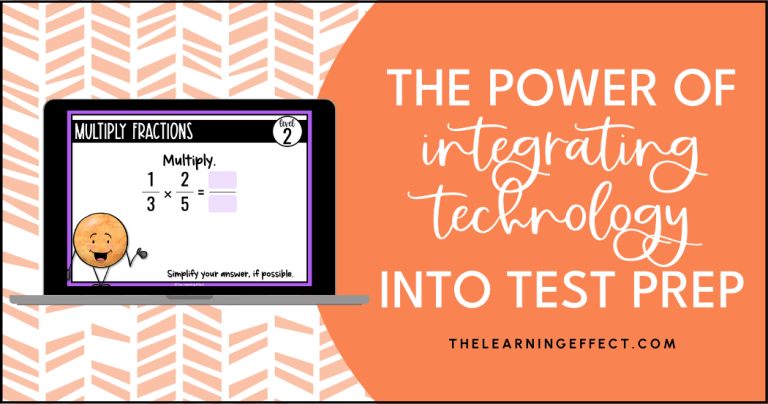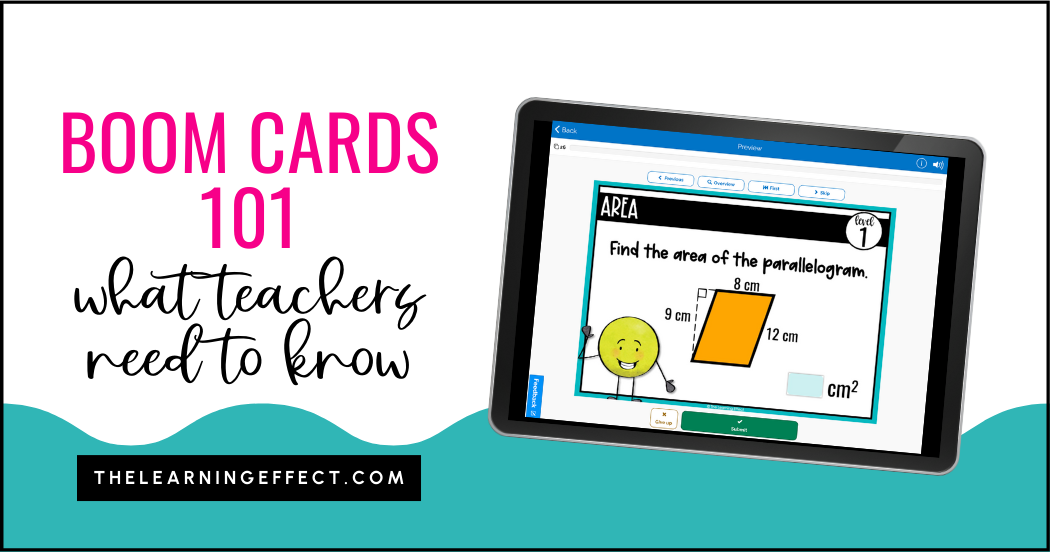
Juggling lesson prep, grading, and everything else on your teacher to-do list? Boom Cards might just become your new best friend. These interactive digital task cards can save you time while keeping your 4th, 5th, and 6th graders engaged. Let me break down everything you need to know in 5 minutes or less.
What Are Boom Cards?
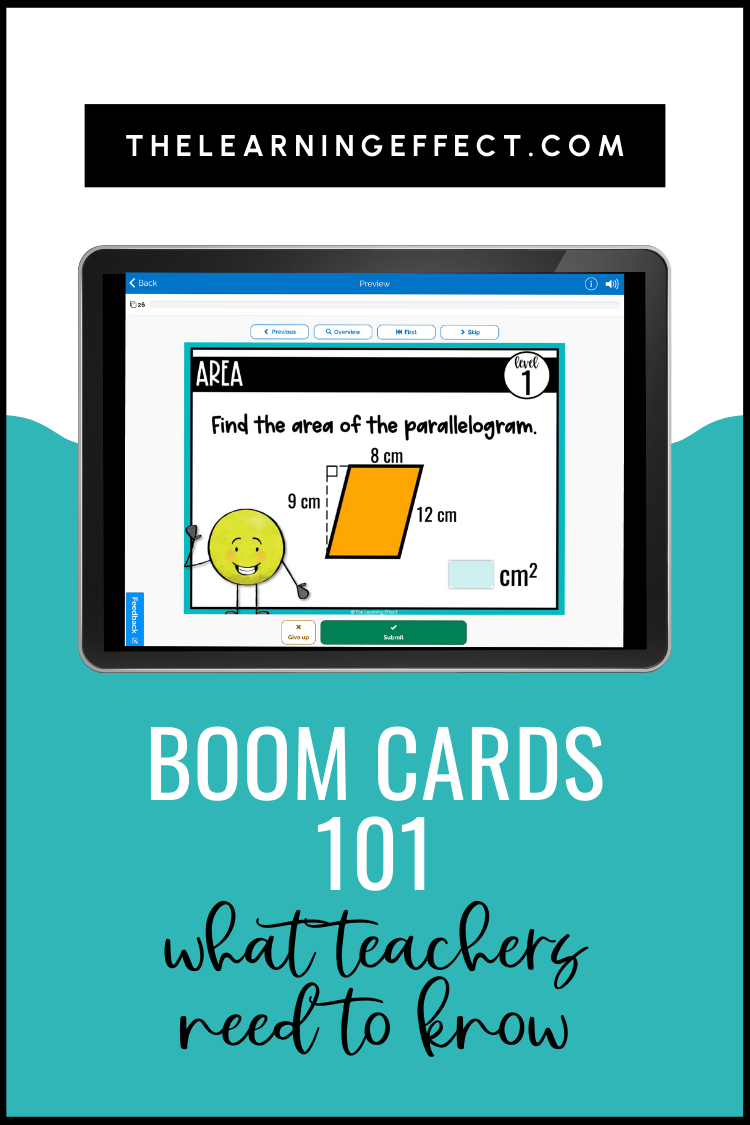
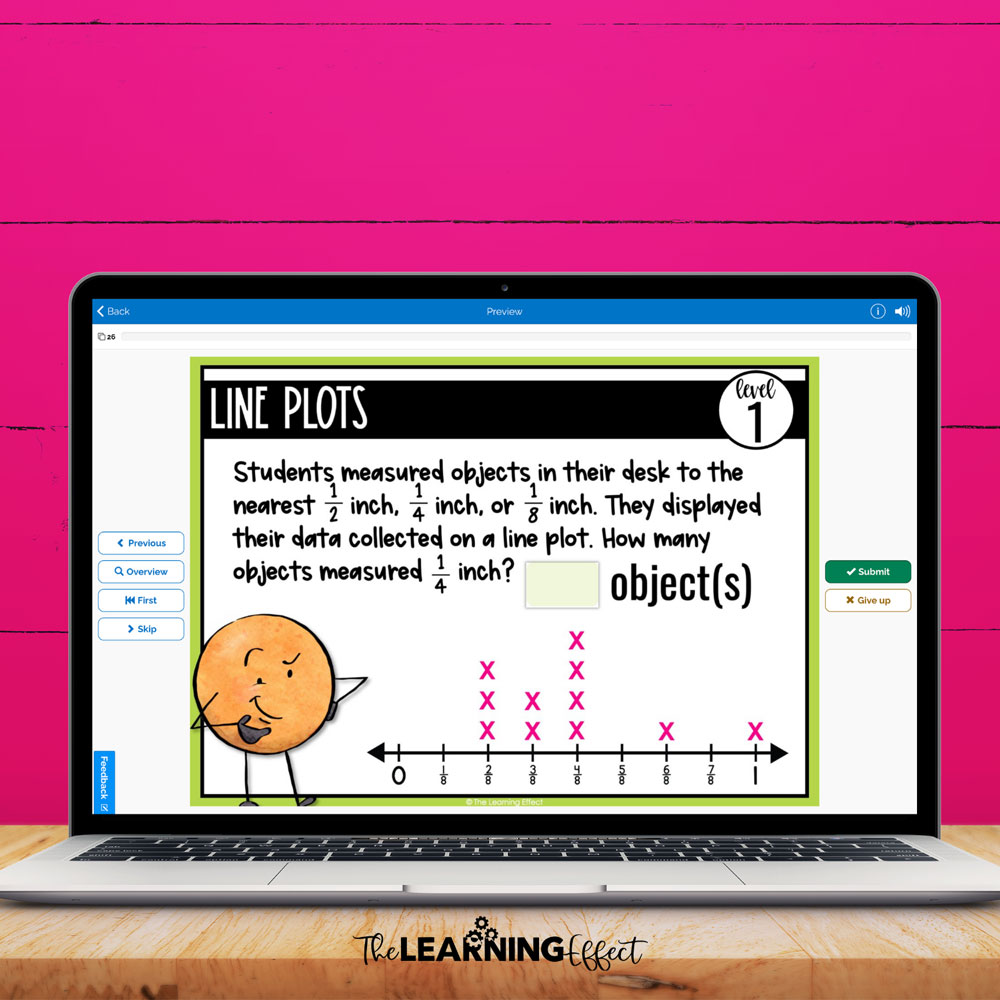
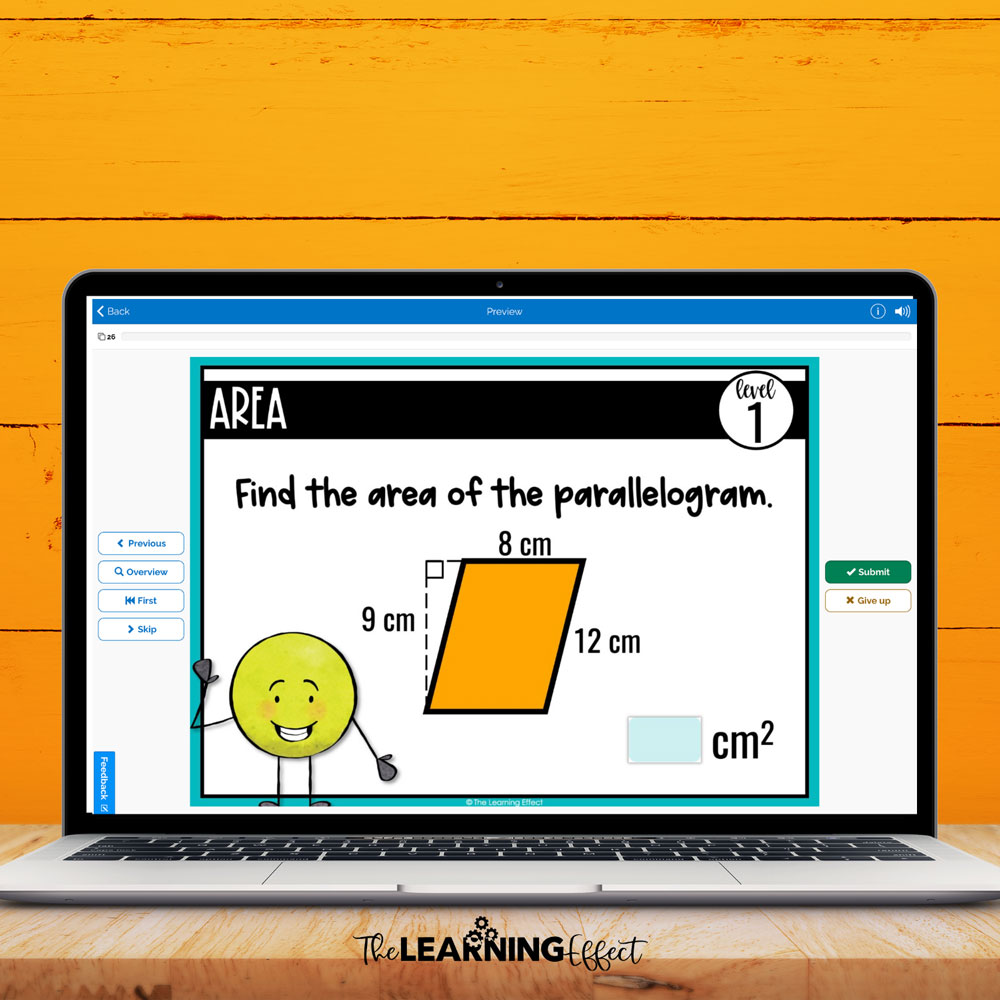
Boom Cards are interactive, self-checking digital task cards hosted on a platform called Boom Learning. Think of them as the digital version of task cards – but better. The platform is cloud-based, so your students can access Boom Cards from any device with internet access, making them perfect for in-person learning, remote situations, or anywhere in between.
You can create your own Boom Cards or purchase ready-made decks from the store. Once a deck is in your Library, you have complete control – customize which cards students see, perfect for differentiation across your upper elementary classroom.
Benefits of Boom Cards for Upper Elementary Classrooms
I know what you’re thinking – “Another tech tool to learn?” Trust me, Boom Cards are different. No student passwords to manage (unless you want detailed reports), no complicated setup, and your students will actually ask to use them for practice.
Why Upper Elementary Teachers Love Boom Cards:
- Zero prep time – No printing, laminating, or cutting required. Paperless for the win!
- Instant feedback – Students know immediately if they’re right or need to try again, keeping them engaged and learning
- Easy differentiation – Hide cards, adjust difficulty, or assign different decks based on student needs
- Works anywhere – Classroom computers, tablets, smartphones, or home devices
- Multiple uses – Perfect for individual practice, small group work, or whole class activities on your SmartBoard
- Seamless integration – Works beautifully with Google Classroom, SeeSaw, and Microsoft Teams
For more detailed strategies on implementation, check out my post on How to Use Boom Cards in Upper Elementary.
How to Get Started with Boom Cards
Getting Started in 3 Simple Steps:
- Create your free account – Head to Boom Learning and set up your teacher account
- Build your Library – Purchase decks or browse for options that fit your curriculum needs
- Share with students – Use the FastPin link to let students play immediately – no login required!
That’s it! Your students just need internet access and any device – computer, tablet, or smartphone. There are even apps available for Apple, Android, and Kindle devices.
Boom Cards Membership Options for Teachers
Free Account: Perfect if you want to assign Boom Cards without tracking individual student progress. You can still assign decks using FastPin links, and students can play without logging in.
Paid Annual Membership: Upgrade when you’re ready for detailed student reports and want to create individual student logins. This gives you access to performance data that can inform your instruction.
Start with the free option – you can always upgrade later when you see how much you and your students love using Boom Cards!
Common Boom Cards Mistakes to Avoid
Even though Boom Cards are user-friendly, I’ve seen teachers make a few common mistakes that can impact their success. Here’s what to watch out for:
Not previewing cards before assigning: Always play through a deck yourself first. You’ll catch any technical issues and understand exactly what your students will experience. Plus, you might discover a card that’s too challenging or not quite right for your current lesson.
Assigning too many cards at once: Start small! I recommend 10-15 cards for most upper elementary students. You can always add more, but overwhelming them with 30+ cards can lead to frustration and rushed work.
Forgetting to differentiate: One of Boom Cards’ best features is the ability to hide certain cards or assign different decks. Use this power! Your advanced students might need all the challenge cards, while others benefit from focusing on foundational skills first.
Not setting clear digital citizenship expectations: Just because it’s on a screen doesn’t mean the rules change. Establish expectations for appropriate volume, device care, and what to do when they finish their assigned cards.
Best Practices for Using Boom Cards in Upper Elementary
After using Boom Cards with hundreds of upper elementary students, here are my tried-and-true strategies for success:
Timing is everything: I’ve found Boom Cards work best during independent work time, math stations, or as early finisher activities. They’re perfect for that 10-15 minute window when you need students engaged in meaningful practice while you work with small groups.
Start with 10-12 cards per assignment: This feels manageable for students and gives you enough data to see their understanding without overwhelming them. You can always increase as they get comfortable with the format.
Create clear routines: Teach students exactly what to do when they finish their Boom Cards. Do they move to a choice activity? Start their homework? Having a plan prevents the “I’m done, now what?” chaos.
Use the shuffle feature: This prevents students from memorizing answer patterns and keeps the practice fresh, especially if you’re using the same deck multiple times.
Plan for tech hiccups: Have a backup plan ready. Sometimes internet goes down or devices act up. Keep a few printed practice sheets handy or prepare an alternative activity students can transition to seamlessly.
Set volume expectations: Boom Cards often include sound effects and audio. Decide ahead of time if students should use headphones, keep devices on silent, or if low volume is acceptable.
Best Boom Cards for Grades 4, 5, and 6
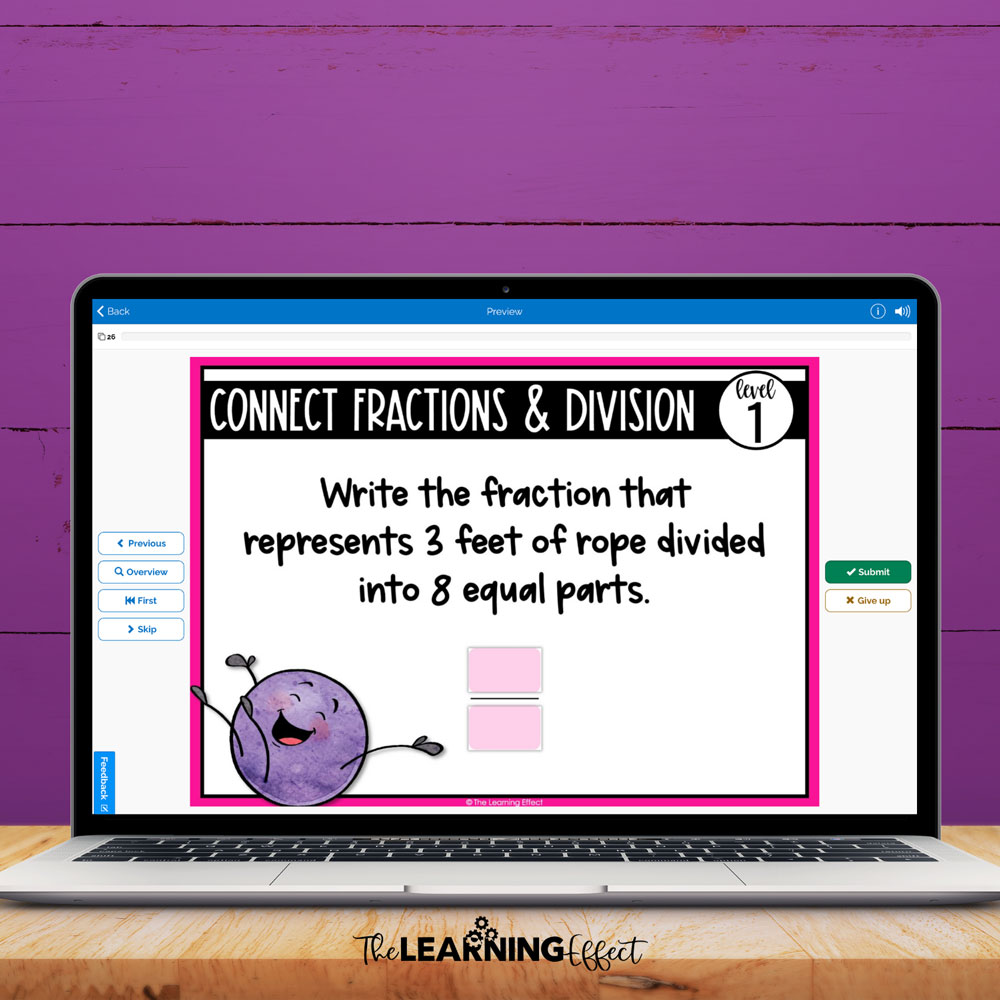
I’ve created math Boom Cards specifically designed for upper elementary students in grades 4, 5, and 6. Each deck focuses on key skills your students need to master, with engaging activities that make practice feel like play.
Whether you’re working on multiplication facts, fractions, or test prep, there’s a Boom Cards deck that can support your math instruction. To explore all of my available options, visit my Boom Learning store.
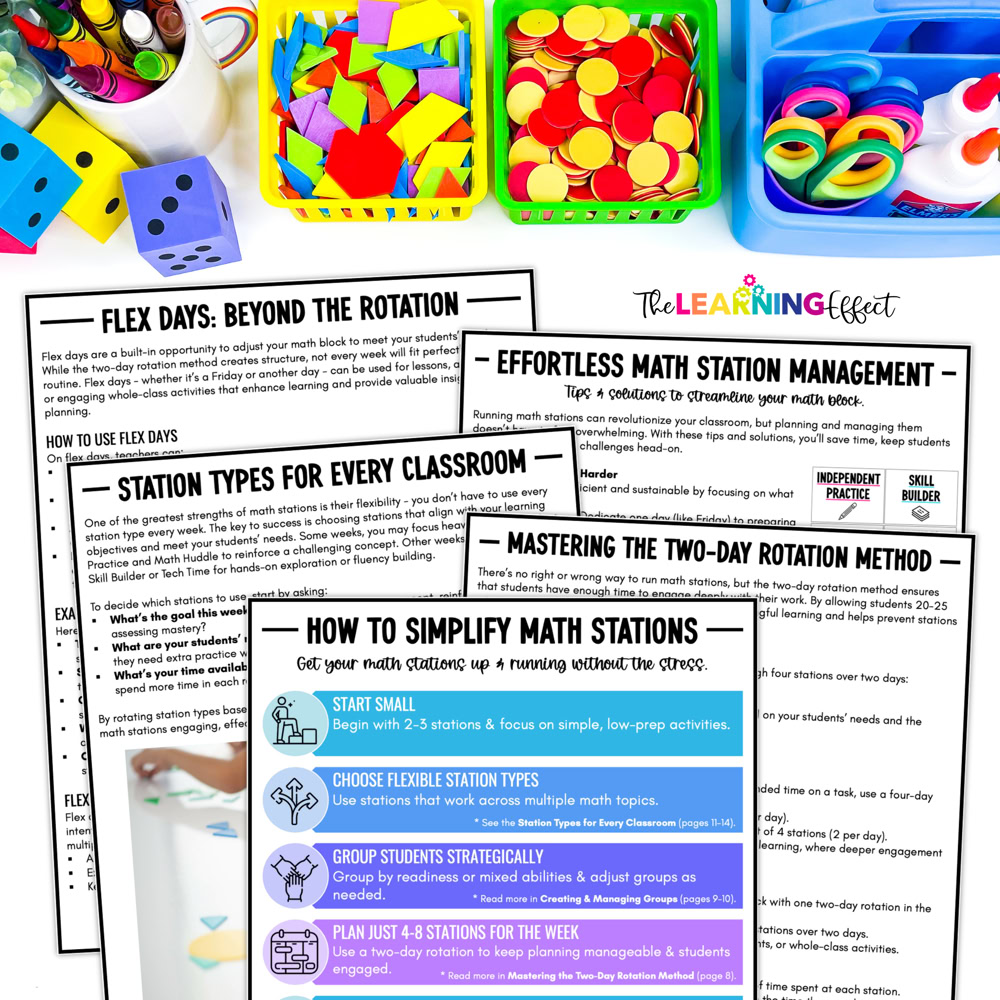
Want to make math stations easier too? Grab my free Math Stations Made Simple guide to streamline your small group instruction and create engaging, independent work that keeps all your students learning.